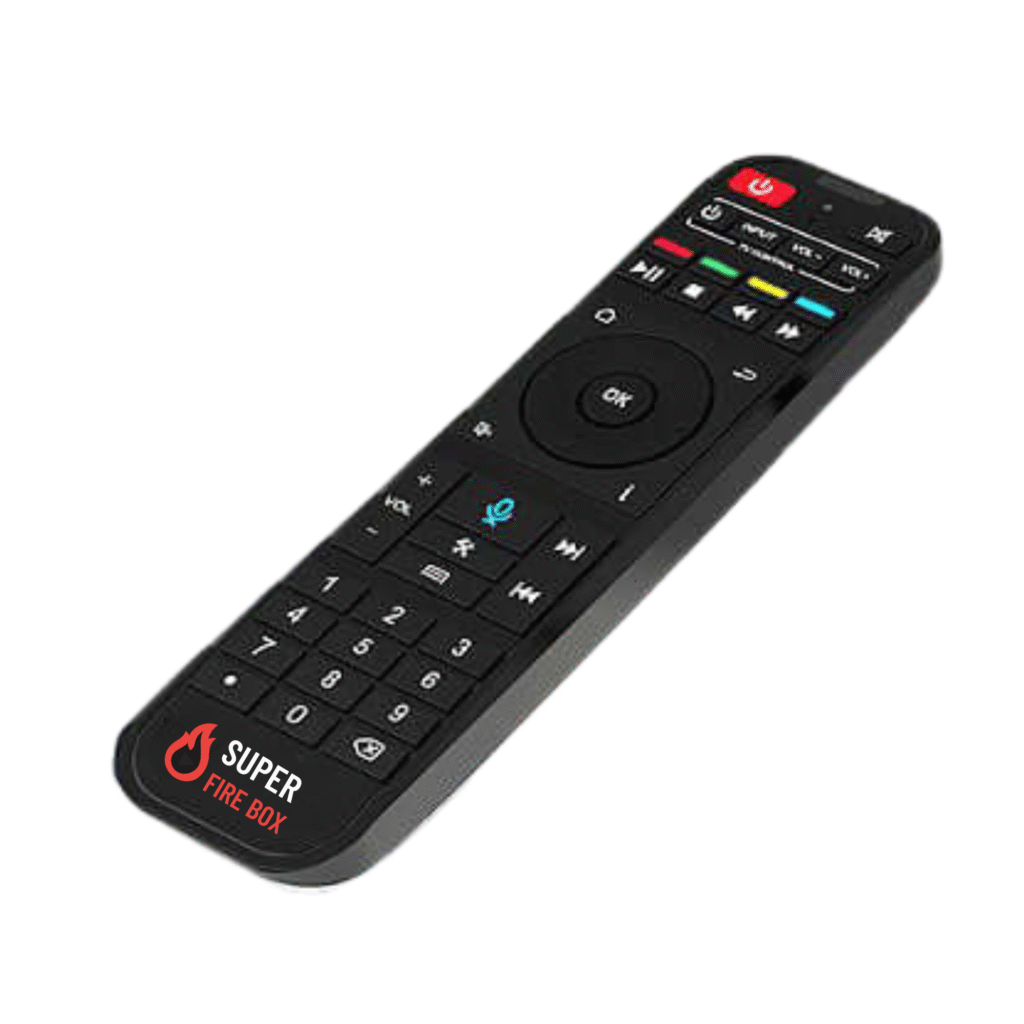
Connecting the Super Fire Box remote to Bluetooth is recommended so the remote is connected to the Bluetooth chip rather than using the IR sensors.
Connecting to Bluetooth allows the remote to control the SuperBox anywhere in your home without being directly pointed at the SuperBox.
1. Click the Bluetooth speaker button on the SuperBox remote.
2. Hold the “OK” + “Return” button synchronously for 8-12 seconds until the red LED light flashes. The remote will enter “pairing mode”.
3. Then click the “OK” button for 3 seconds until the red flashing stops.
4. Remote is now connected by Bluetooth and enabled to use voice commands.